If you run a small business, your day probably looks something like this: a customer messages at 9 pm asking whether you are open on Sunday, a supplier is waiting for a reply, your Instagram page has not been updated in a week, and the billing is still pending. Nobody is hired to handle all of it, so you do.
That is where small businesses can use AI starts to make sense. Not as some futuristic robot, but as an extra pair of hands for routine work: answering common questions, drafting messages, sorting enquiries and spotting patterns in what customers ask. Many tools have free or low-cost plans, and you do not need a developer or a technical team to try them.
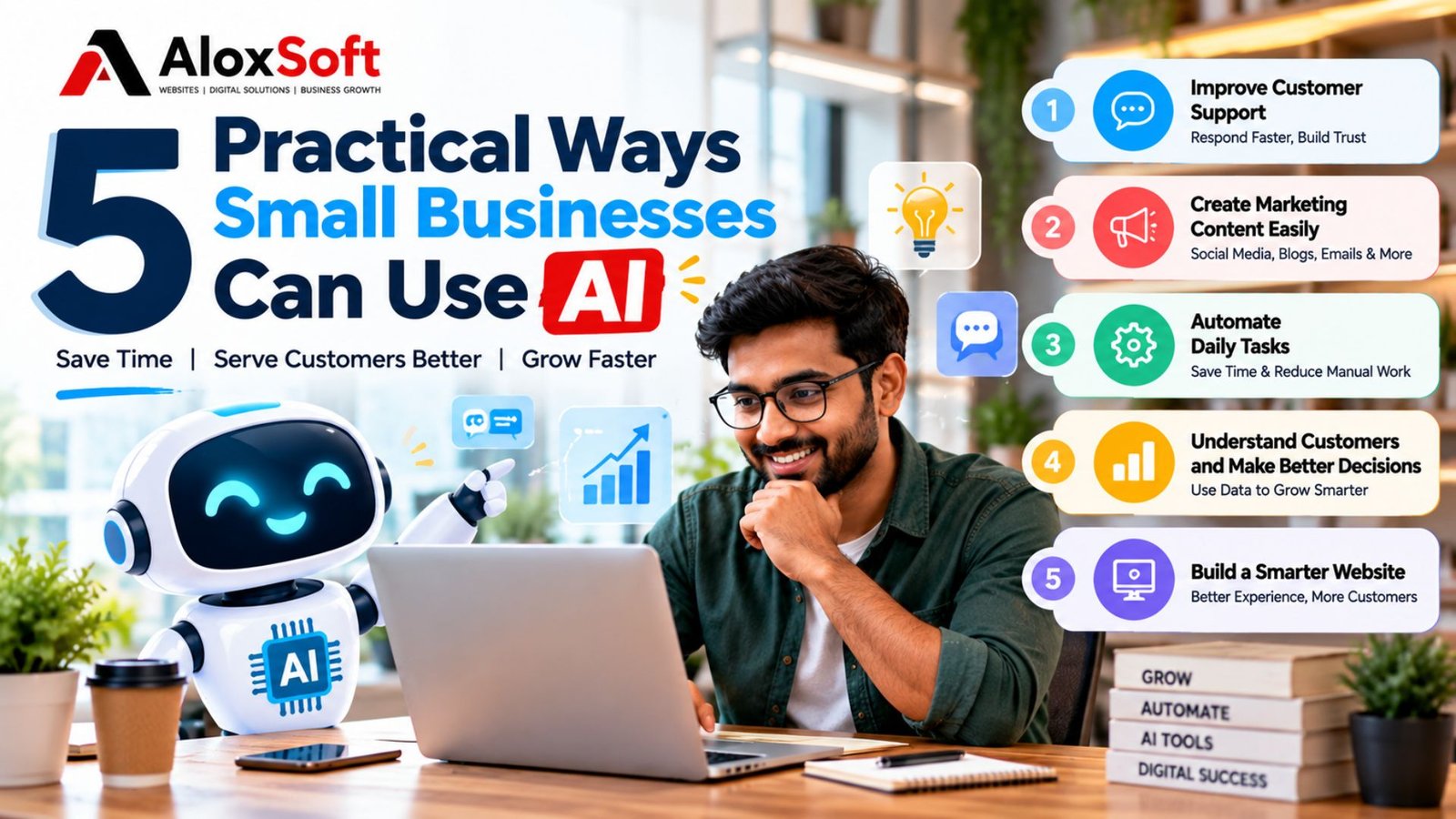
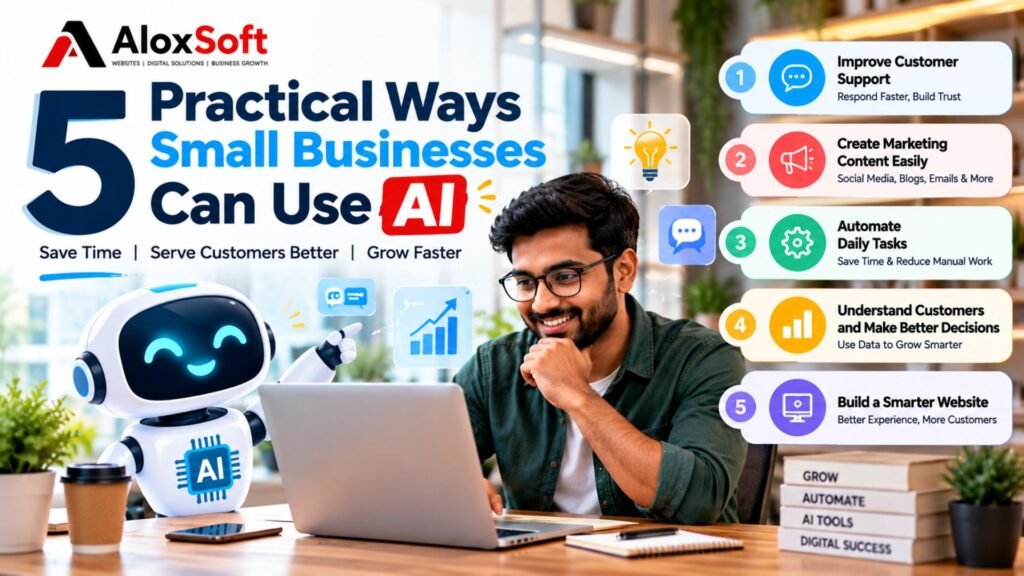
This guide covers five practical ways to use AI in a small business, a simple plan for starting without overspending, and the mistakes worth avoiding. The examples come from everyday businesses such as pharmacies, gyms, restaurants, retail shops and clinics.
1. Improve Customer Support and Respond Faster
Most small businesses answer the same ten questions all day. What time do you open? Where exactly are you? Do you offer home delivery? Do I need an appointment? An AI chatbot or automated assistant can handle these first-line questions on your website or messaging apps, even when your team is busy or the shop is closed.
Used well, AI customer support can:
- Answer common questions in plain language
- Share business hours, service details and your location
- Collect a customer’s name, number and enquiry
- Respond to basic questions outside working hours
- Pass complicated or sensitive enquiries to a real person
A practical example: a neighbourhood pharmacy gets many messages like “Are you open late today?” or “Do you deliver nearby?” An assistant can answer those instantly. If someone asks about a medicine, a dose or a symptom, it should not guess. It should say that a pharmacist will respond, and send the message to the right person. Medical, legal and financial questions always need a qualified human.
Two habits matter here. First, make sure important enquiries are forwarded to the right staff member, not left sitting in a chat window. Second, check the assistant’s answers regularly. If your timings or prices change and the assistant is not updated, it will confidently share old information.
2. Create Marketing Content More Efficiently
Marketing is often the first thing to slip when you are busy. AI writing tools will not replace your voice, but they are good at getting you past the blank page. They can help with:
- Social media captions
- Blog post outlines and first drafts
- Promotional messages
- Email campaigns
- Product descriptions
- Content ideas and monthly calendars
A practical example: a gym is offering a waived joining fee until the end of the month. That single offer can become five pieces of content in about twenty minutes: a short Instagram caption, a WhatsApp broadcast message, a two-paragraph email to past enquiries, a headline for a poster, and a short FAQ for the website (“Who is this offer for? When does it end?”). You give the AI the offer, the audience and the tone, then edit the results.
That editing step is not optional. Read everything before it goes out. Add your own experience, a real member story you have permission to share, or a detail only you would know. Verify every claim, price and date. Generic content that sounds like everyone else rarely helps a local business stand out.
3. Automate Repetitive Daily Tasks
Every business has jobs that eat time without adding much value. AI automation for small businesses can reduce manual work such as:
- Organizing customer enquiries
- Drafting routine emails and replies
- Summarizing customer feedback
- Categorizing requests as bookings, complaints, price questions and so on
- Preparing simple reports and reminders
- Connecting website forms to your day-to-day workflow
AI versus ordinary automation
These two are often mixed up. Ordinary automation follows fixed rules you set: “When someone submits the contact form, send a confirmation email and add a row to a spreadsheet.” It does the same thing every time. AI is useful when the task involves reading and understanding language: “Read this message and tell me whether it is a booking request, a complaint or a general question.”
Not every automation needs AI. Many useful ones, like appointment reminders or form notifications, are simple rules and work perfectly well without it. Add AI only where understanding text actually helps.
A practical example: a small clinic receives appointment requests through its website form. A simple automation sends each request to a shared sheet and emails the front desk. An AI step can then label each one as “new appointment”, “reschedule” or “general question”, so the receptionist starts the day with an organized list instead of a messy inbox.
4. Understand Customers and Make Better Business Decisions
Your customers are already telling you what they want. It is just scattered across reviews, WhatsApp chats, call notes and sales records. AI-assisted analysis can help you read through all of it and find patterns, for example:
- The questions customers ask most often
- Common themes in reviews and feedback
- Products or services people keep requesting
- Patterns in sales data, such as slow days or fast-moving items
- Which marketing messages get a response
- Places where customers get confused or stuck
A practical example: a restaurant owner pastes a month of anonymous customer comments into an AI tool and asks for the main themes. The summary shows that “food arrived cold” keeps coming up for delivery orders, while dine-in feedback is mostly positive. That points to a packaging or delivery problem, not a kitchen problem. A retail shop could do the same with customer requests and find that people keep asking for a product it does not stock.
Be careful with the results. AI insights are only as good as the data you give it, and it can misread or oversimplify. Treat its summary as a starting point, then check it against what you know before making an important decision. Also, do not upload sensitive customer information, such as names, phone numbers, addresses or health details, to any tool unless you have permission and understand how that tool stores and uses data. Removing personal details first is a good habit.
5. Build a Smarter Website and Improve the Customer Experience
Your website is often the first place a new customer meets your business. AI can make it more helpful in several ways:
- A website chat assistant that answers questions and collects leads
- Better content planning, so your pages answer what people actually search for
- Easier discovery of your products and services
- Enquiry forms that route messages to the right person
- Light personalization where it is appropriate
- Help interpreting website analytics and spotting SEO opportunities
Why your website still matters
AI tools work best when they sit on a solid foundation. A chatbot on a slow, confusing site will not fix the experience. Most visitors arrive on a phone, so a professional, mobile-friendly website that loads quickly, explains what you offer and makes it easy to get in touch is still the core of your online presence. AI is an addition to that, not a replacement.
This is the kind of work AloxSoft focuses on: helping small businesses build modern websites and use practical digital tools to improve their online presence. For many businesses, this is a sensible first step in small business digital transformation: get the website right first, then layer on tools like chat assistance and automated enquiry handling where they help.
Why Small Businesses Can Use AI
Small businesses can use AI to save time, reduce repetitive work, and improve customer experiences. From answering customer questions and creating marketing content to automating daily tasks and analyzing business data, AI offers practical solutions without requiring a large budget or technical expertise. By choosing the right AI tools, small businesses can work more efficiently, attract more customers, and grow their business in a competitive digital world.
How to Start Using AI Without Spending Too Much
You do not need to overhaul your business. Start small and keep it low-risk:
- Identify one repetitive task that wastes your time, such as replying to the same questions or writing weekly posts.
- Choose one suitable tool for that task rather than signing up for several.
- Test it on a small, low-risk job, such as drafting a caption or a reply you will review before sending.
- Review the results and correct mistakes. Note what it gets wrong so you can adjust your instructions.
- Measure the benefit. Did it save time? Did customers get answers faster?
- Expand gradually only if it delivers real value.
Free and paid plans differ between tools and change over time. Before choosing one of the many AI tools for small businesses, check the current pricing, usage limits and privacy policy yourself, especially if you plan to enter any customer information.
Common Mistakes Small Businesses Should Avoid
- Trusting every answer. AI can sound confident and still be wrong. Check facts, prices and dates.
- Publishing generic content. Unedited AI text is easy to spot and rarely builds trust.
- Sharing confidential information carelessly. Keep customer data, financial details and private business information out of tools you have not vetted.
- Automating conversations that need a human. Complaints, sensitive questions and complex requests deserve a real person.
- Paying for tools before you have a problem. Know what you are trying to fix first, then look for the simplest tool.
Final Thoughts
Using artificial intelligence for small businesses does not mean adopting every new tool that appears. The better approach is to pick one real problem, such as slow replies, scattered enquiries or time-consuming content, and use technology where it creates measurable value. If it saves you time or helps your customers, keep it. If not, drop it and try something else.
If you are thinking about improving your online presence, a clear and well-built website is a good place to begin. You can explore AloxSoft for website development and practical digital solutions designed for growing businesses.